
Window remote measurement App
The new redesign Windows mobile app for PhotoGAUGE
Final design and prototype for PhotoGAUGE Windows App
Background and my contribution
The app enabled sales reps of multi-billion dollar window and door replacement companies to take accurate measurements quickly and easily using 3D scanning technology. PhotoGAUGE was about to have a few sales reps at Renewal by Andersen pilot the initial version of the Windows App. I was hired as the lead user researcher and product designer with the aim to make the app more user-friendly; make it easier to use while capturing better videos for more accurate measurements.
Project objectives
Cost savings - replacing the need for a technician to visit following the first sales visit to take measurements physically on customer location. Such second visits increased the risk of Buyer’s Remorse.
Accuracy - eliminate human error and inaccuracies when taking measurements manually using a measuring, allow for better coverage when capturing the video to derive highly accurate measurements.
Close more deals and close them quickly - empowering the sales rep to win customers’s trust with using hi tech that captures highly accurate measurements and therefore, deliver and install true-to-fit windows/doors.
Design objectives
Easy to use - self taught, few clicks, linear work flow with room for add on features and data capture.
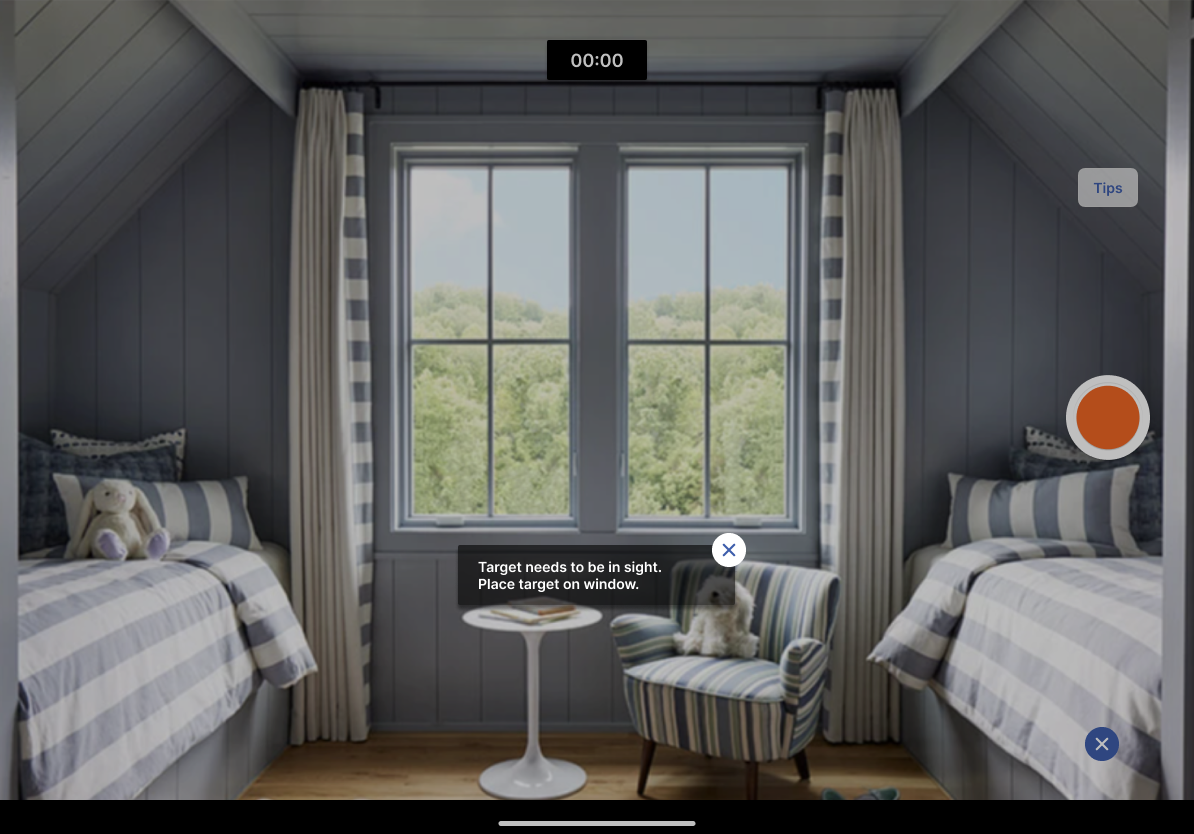
Obtain best coverage - allow user to capture the best recording of the window or door in situ reducing obstructions, preventing or reducing human errors during the capture to allowing technicians to pull accurate measurements remotely for manufacturing.
Upsell opportunities - empower sales reps to showcase competitive advantage way of measuring customer’s windows.
The User centered design process
Contextual Enquiry
PhotoGAUGE allowed me to shadow Renewal By Andersen (RBA) sales reps during their customer’s house visits around Long Island, New York. I worked with the Business Development of the start up to build a relationships with the RBA sales managers and representatives.
Key Research Objectives;
Observe how users interacted with the app. In doing so, detect current app strengths, weaknesses and opportunities for better coverage and upsells.
Gain an understanding of the existing sales work flow with the added task of remote measure.. This insight enabled me to design a user task flow that syncs with the sales work flow
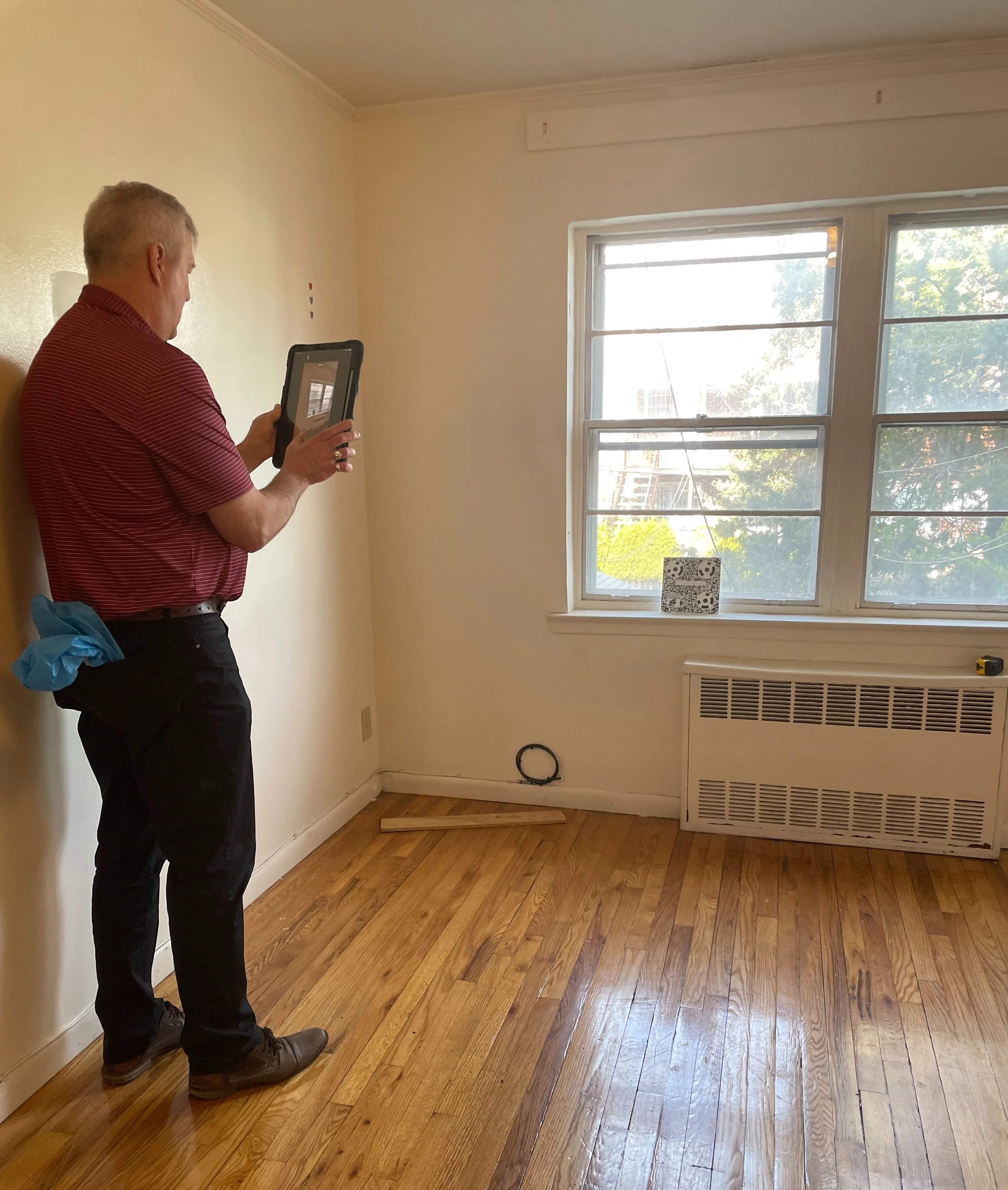
Sales rep taking a video of the window that’s being measured using PhotoGAUGE app with ‘Target’ (code) board in place.
User Task Flow
The task flow of the current app was linear however, steps where hidden or found deeper in the information architecture of the interface. Other than that, there were far many secondary calls to actions which distracted users from the critical path. Additionally, users had to rely on their memory and ensure to hit the right buttons to upload videos once all windows and doors where recorded for a particular project.
On analyzing the current task flow I made sure new flow sticks to the critical path. I achieved it by minimizing steps, reducing any ambiguity in the actions user needs to take in order to fulfill the process successfully. All in all the new task flow was approximately half the length, effort and time the original one.
Diagram on the left presented the current app user flow to complete the task for taking window’s measurement remotely while the diagram on the right was the new and proposed one for the redesigned version of the app.
Lo Fi Wireframes
Following the contextual research and task analysis, I proceeded to design lo fi wireframes to visualize the new user task flow. The wireframes also included forward and back navigation, ability to more photos of the exterior facade at whatever point along the process as well as add notes to the project or individual units (windows and doors).
The lo fi wireframes above represent the critical path of the new app’s user task flow.
UsAbility testing
Testing Objectives
Intuitiveness and ease of use
Task success completion
Methodology and Participants
Since sales reps of different regions and companies uses either tablet and/or phone on site, two prototypes were created with lo fi wireframes; a tablet version in landscape mode and phone version in portrait mode.
Remote screen share testing was carried out with four sales reps.
Each participant was presented with the same scenario; that of visiting a a client home who is thinking of replacing three windows and a door. Participants needed to go through the task of capturing details and video of at least one window, upload video, review the project status and close the project. Task completion and success were determined by user knowing what to click and what to do next and ultimately, understanding that all replaceable units were fully captured and entire house project completed.
Feedback & Key Findings
Overall the new design was well accepted by each participant;
“Very direct, it's simple, it's in front of you…”
“A lot smoother, a lot easier and better layout…”
“It is smoother…it’s pretty straightforward.”
“It really looks good, looks efficient…”
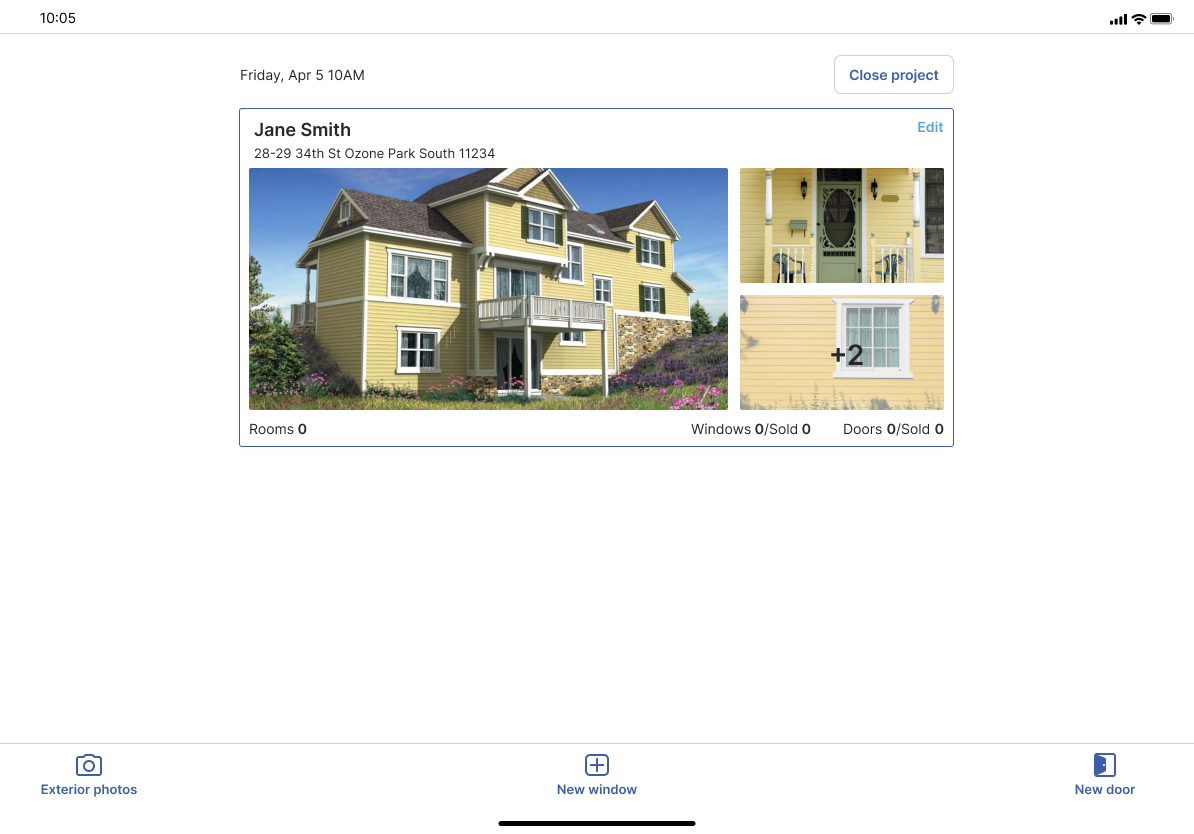
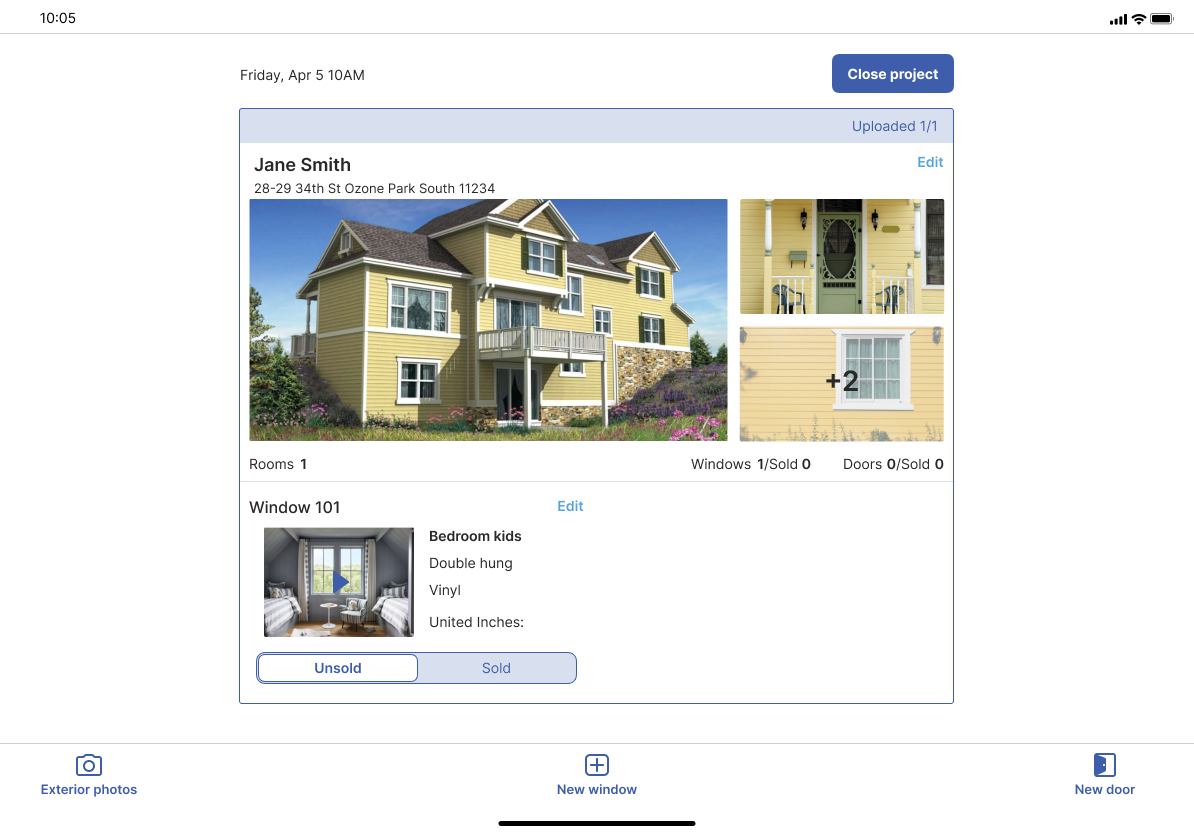
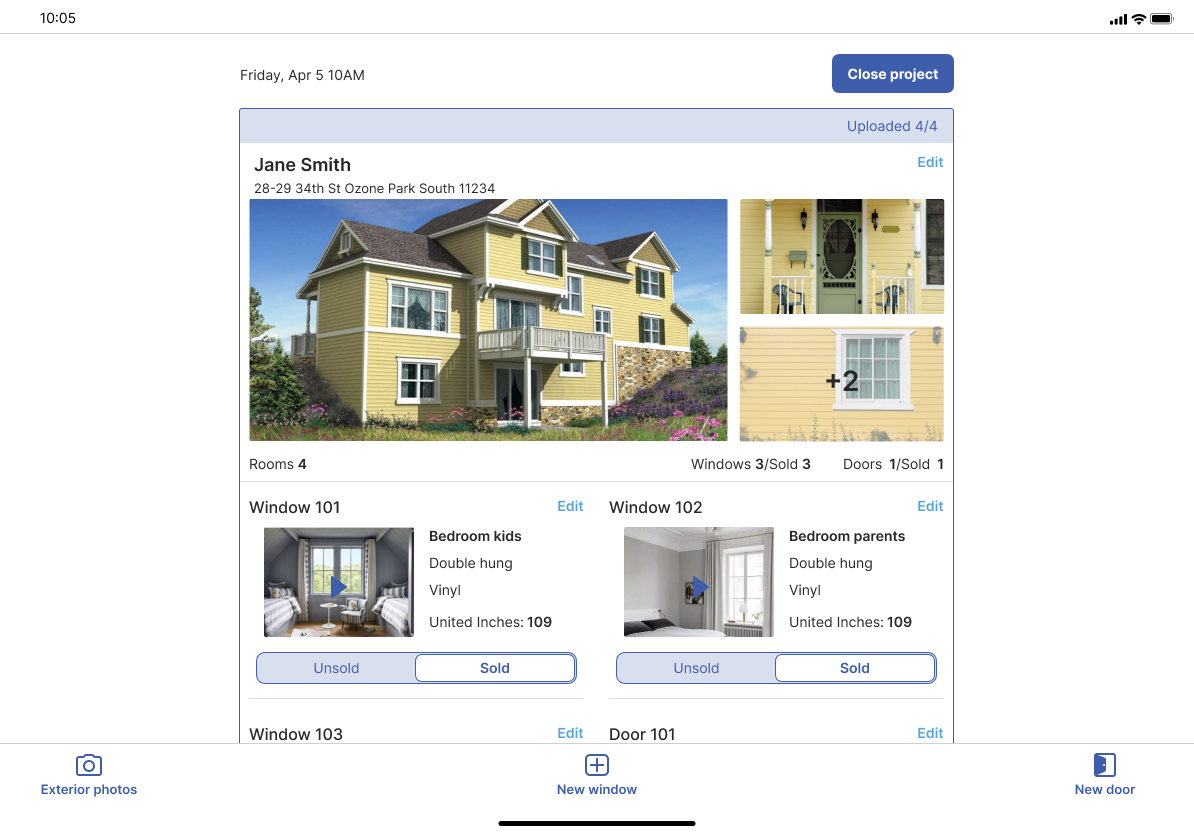
Declutter the project homepage - remove secondary calls to action from the project home page by leading user to the respective unit and project details pages accordingly, to make changes or add more content such as photos. Surface key calls to actions that is, marking unit as sold or unsold and closing project.
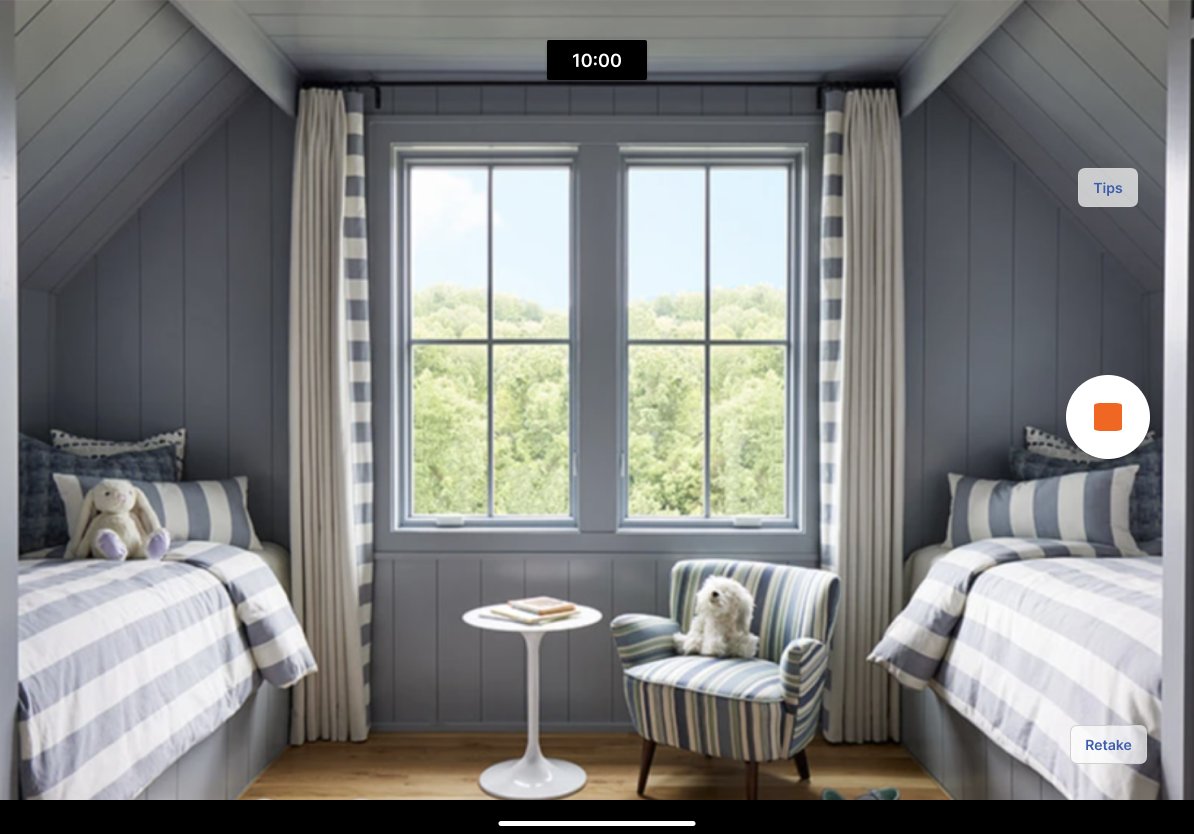
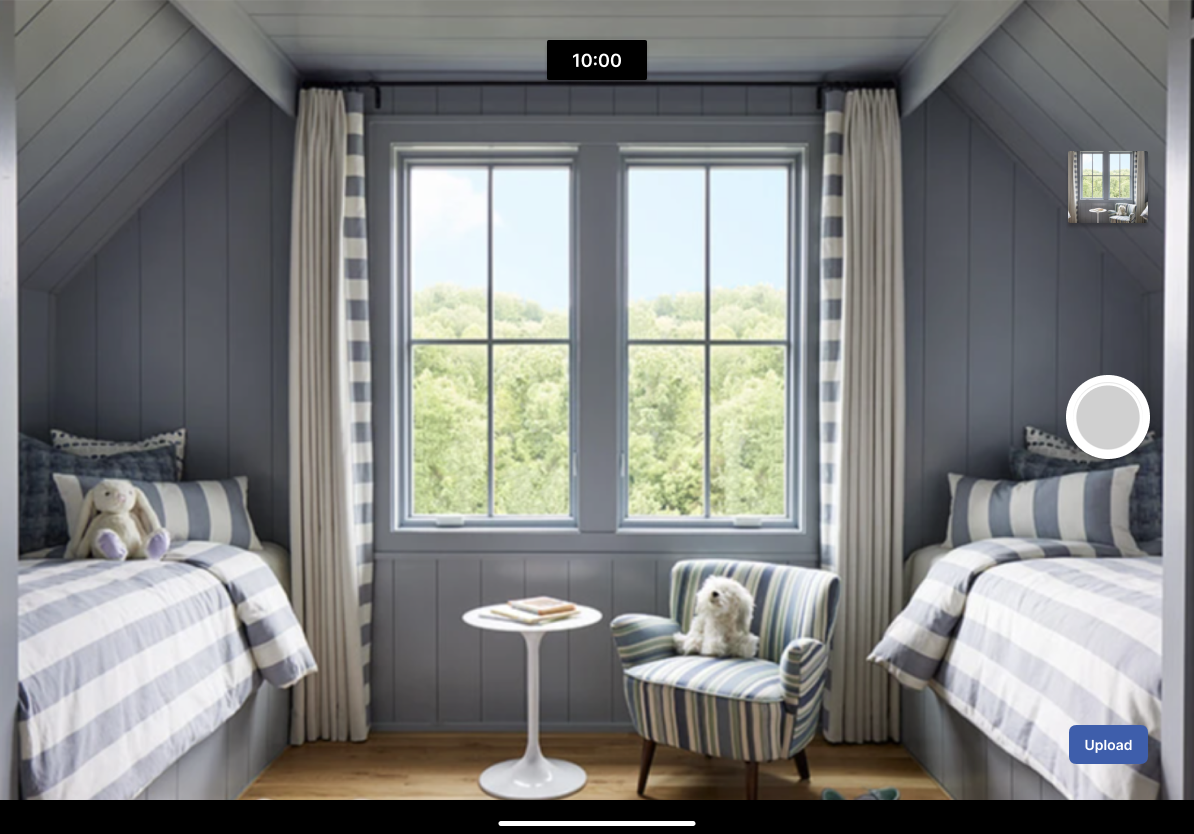
Provide more autonomy - allow user to decide and take respective actions while reviewing photos and videos including, deleting, uploading, reshooting.
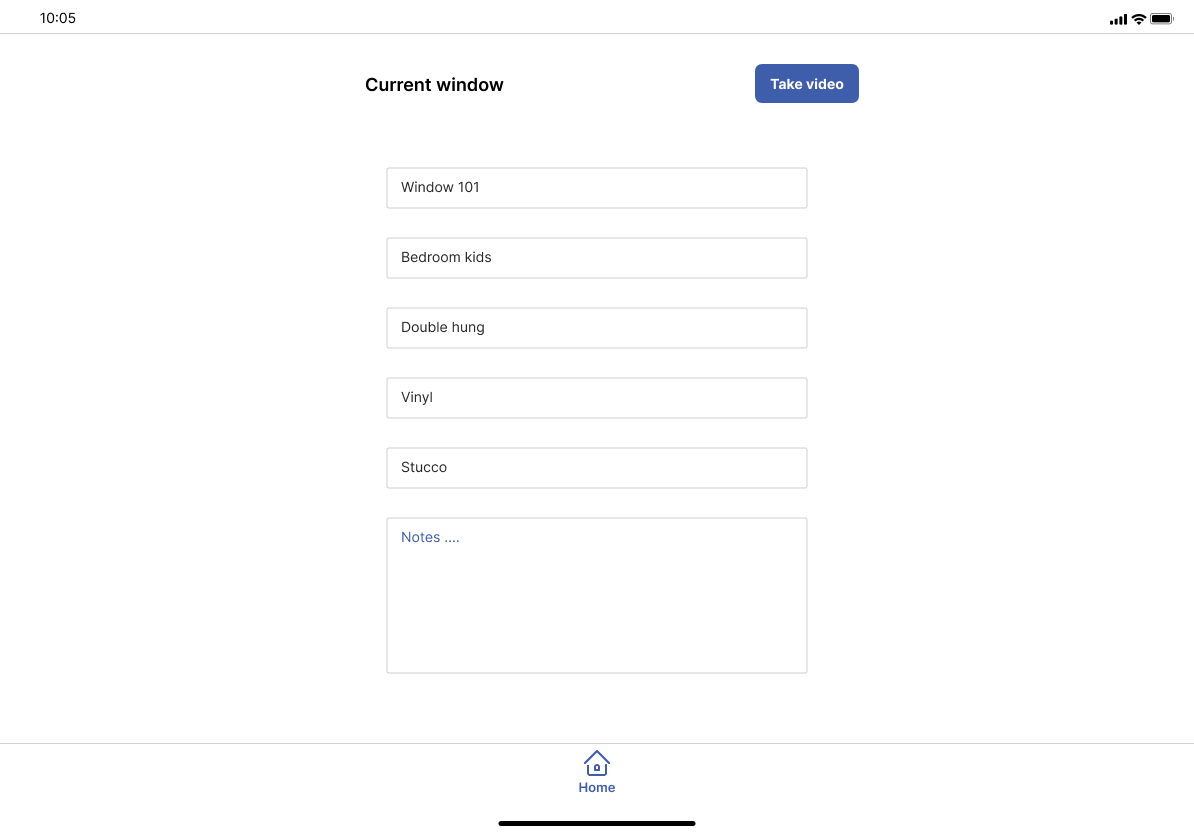
Allow for customization - allow user to type in custom unit name such as ‘Window 101’ and custom bedroom name e.g. ‘Kids bedroom’
Final Designs
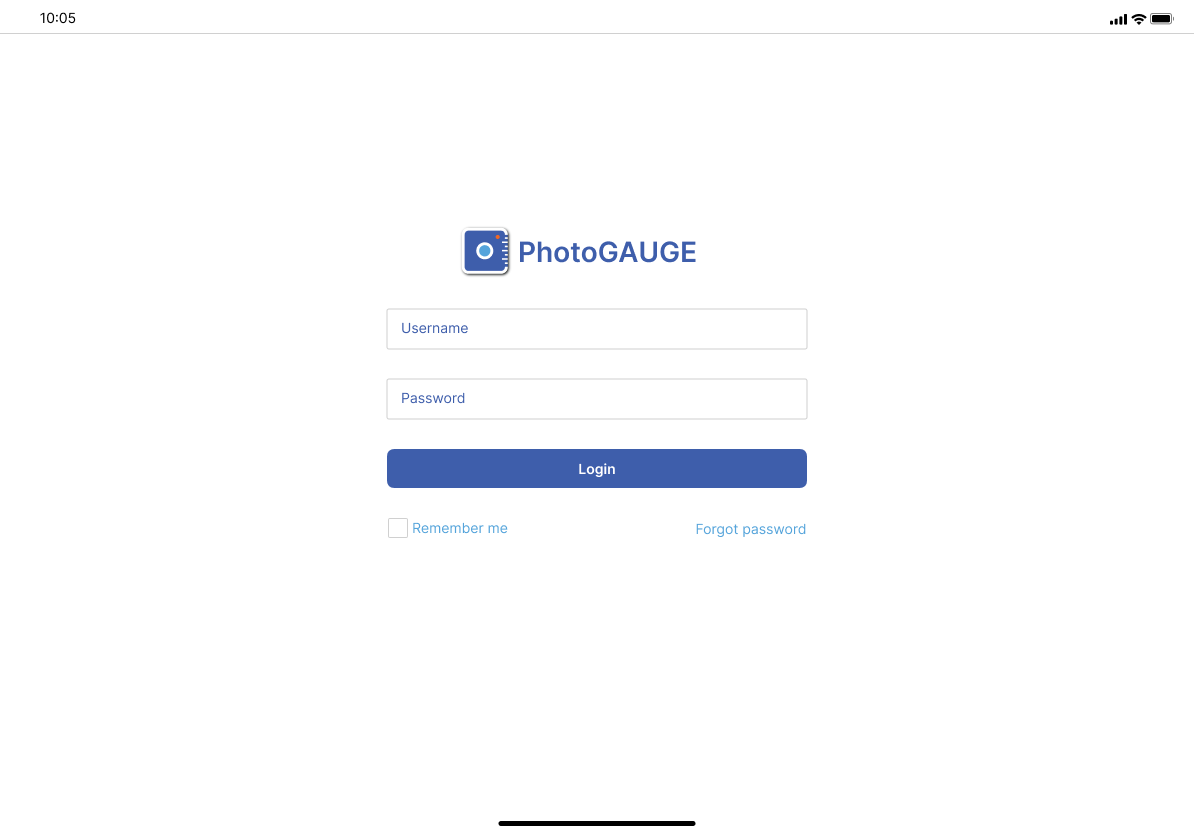
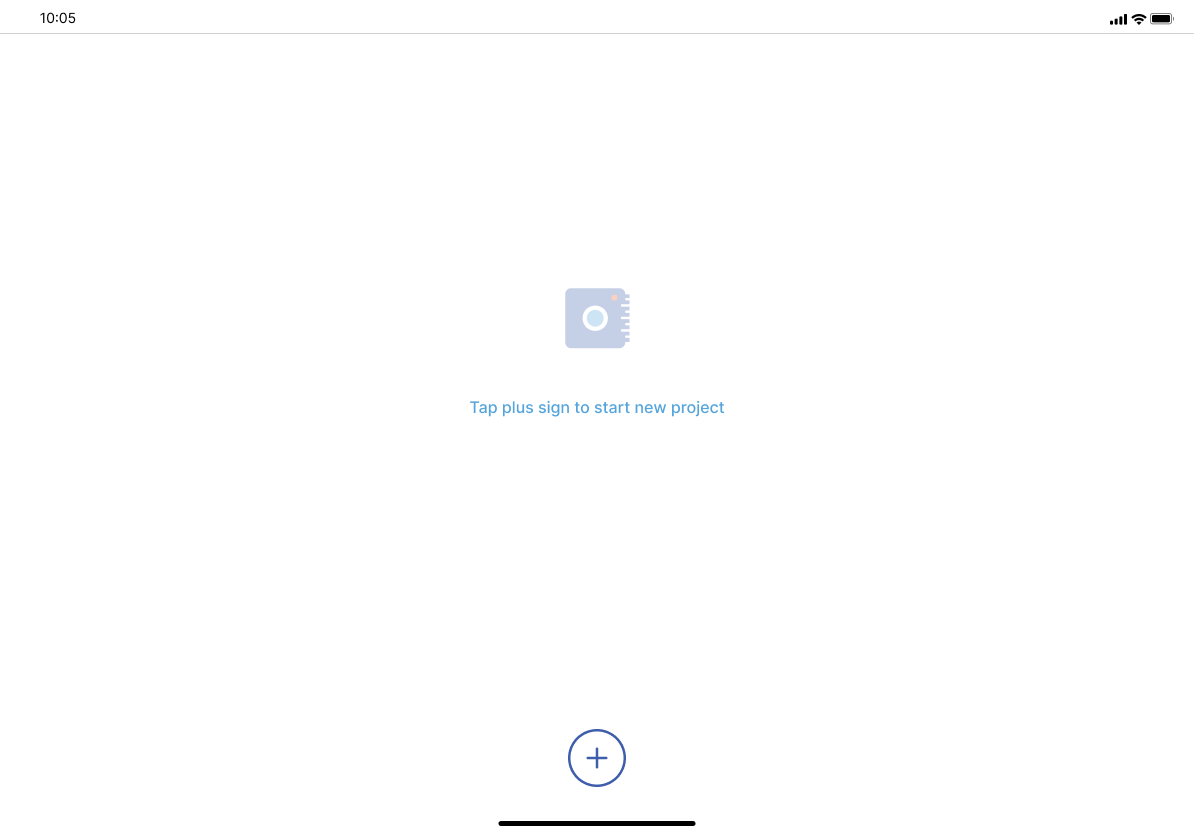
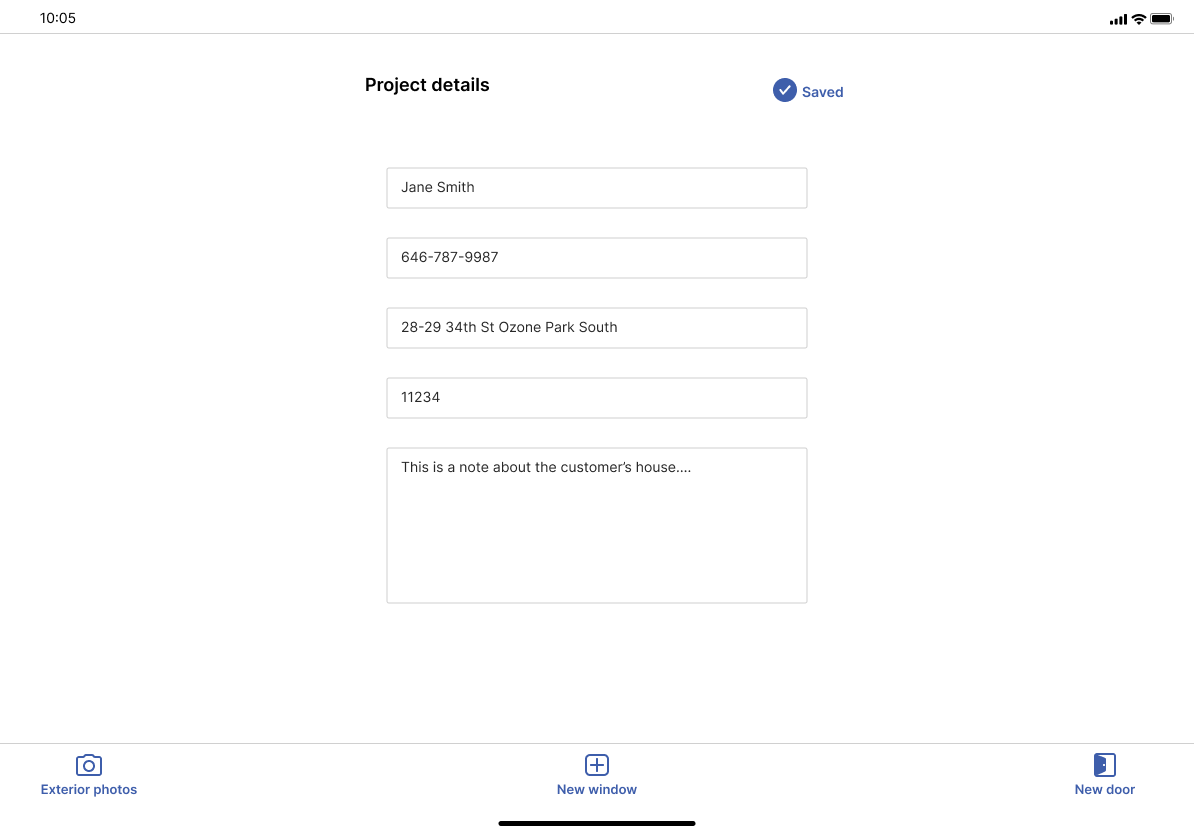
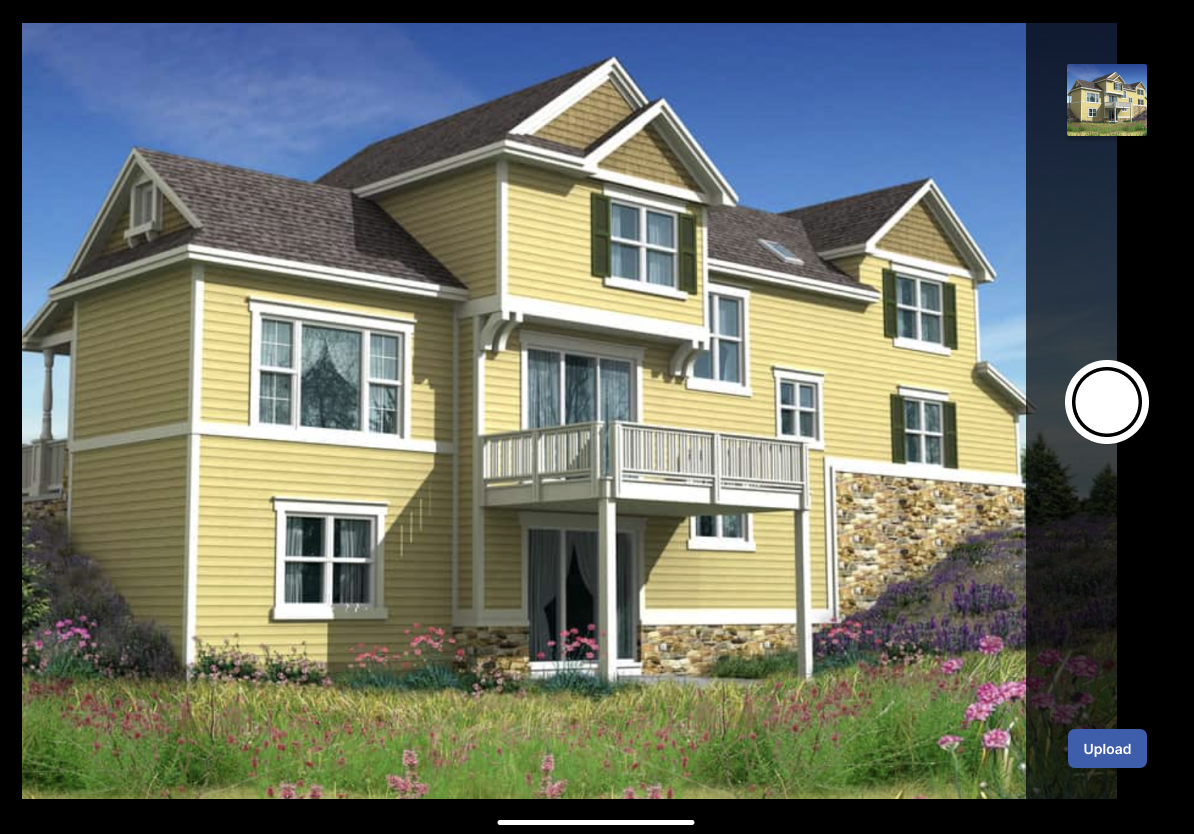
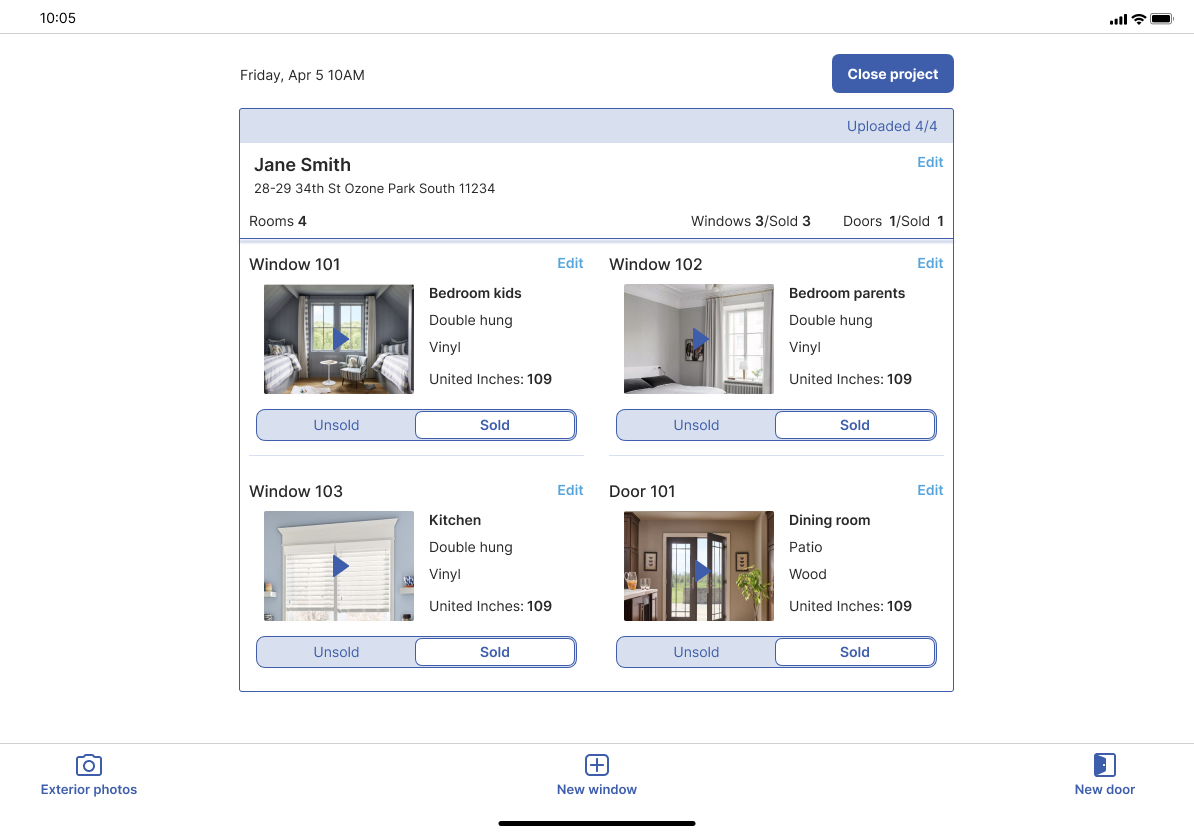
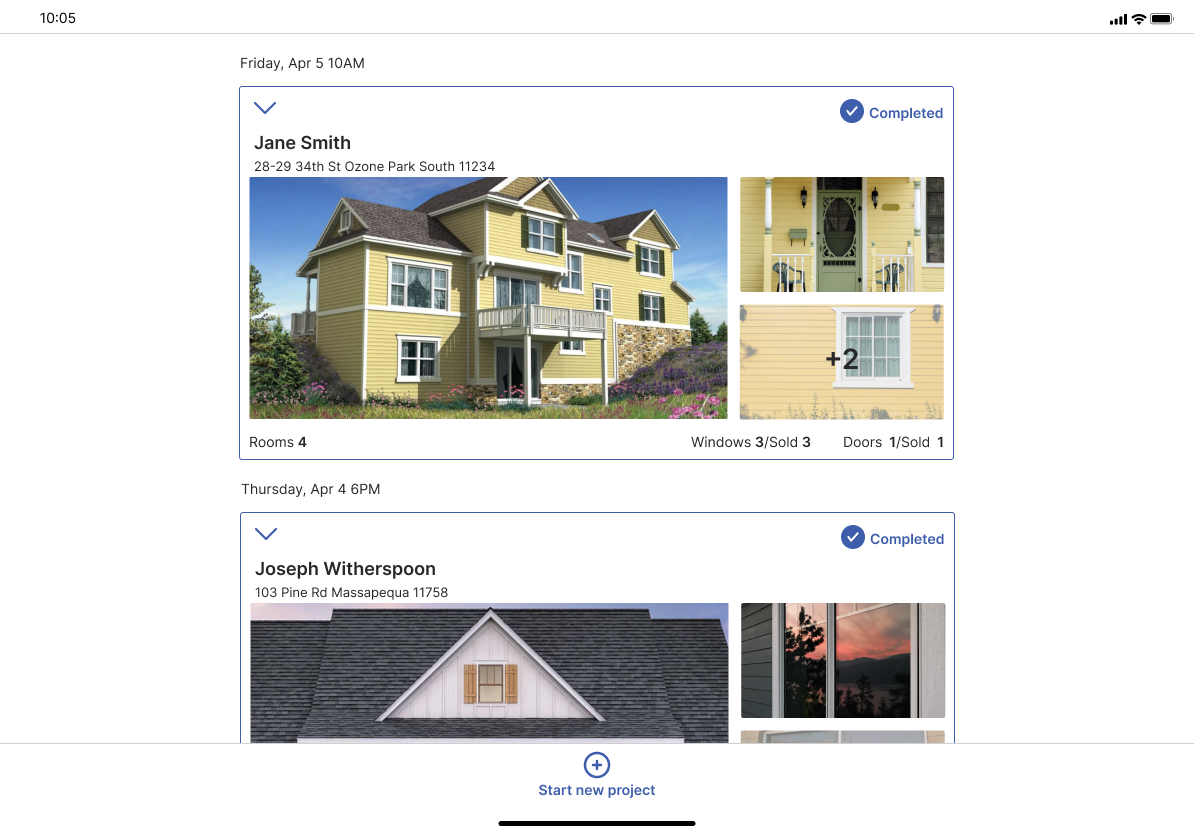
Based on the User Testing results and finals reviews with the Business Developer and Advisor of the start up, I proceeded with creating a final set of hi fi wireframes to represent the final designs for the app. The following set showcases the designs for the table. I also designed responsively for mobile and considered both orientations (landscape and portrait) for each device. You can see the mobile portrait designs in the video at the beginning of this case study.
Style guide and Design System
In developing the final designs I also created the Style Guide and the Design System for the developer team to use and follow building the new app. The following are snapshots from each library.
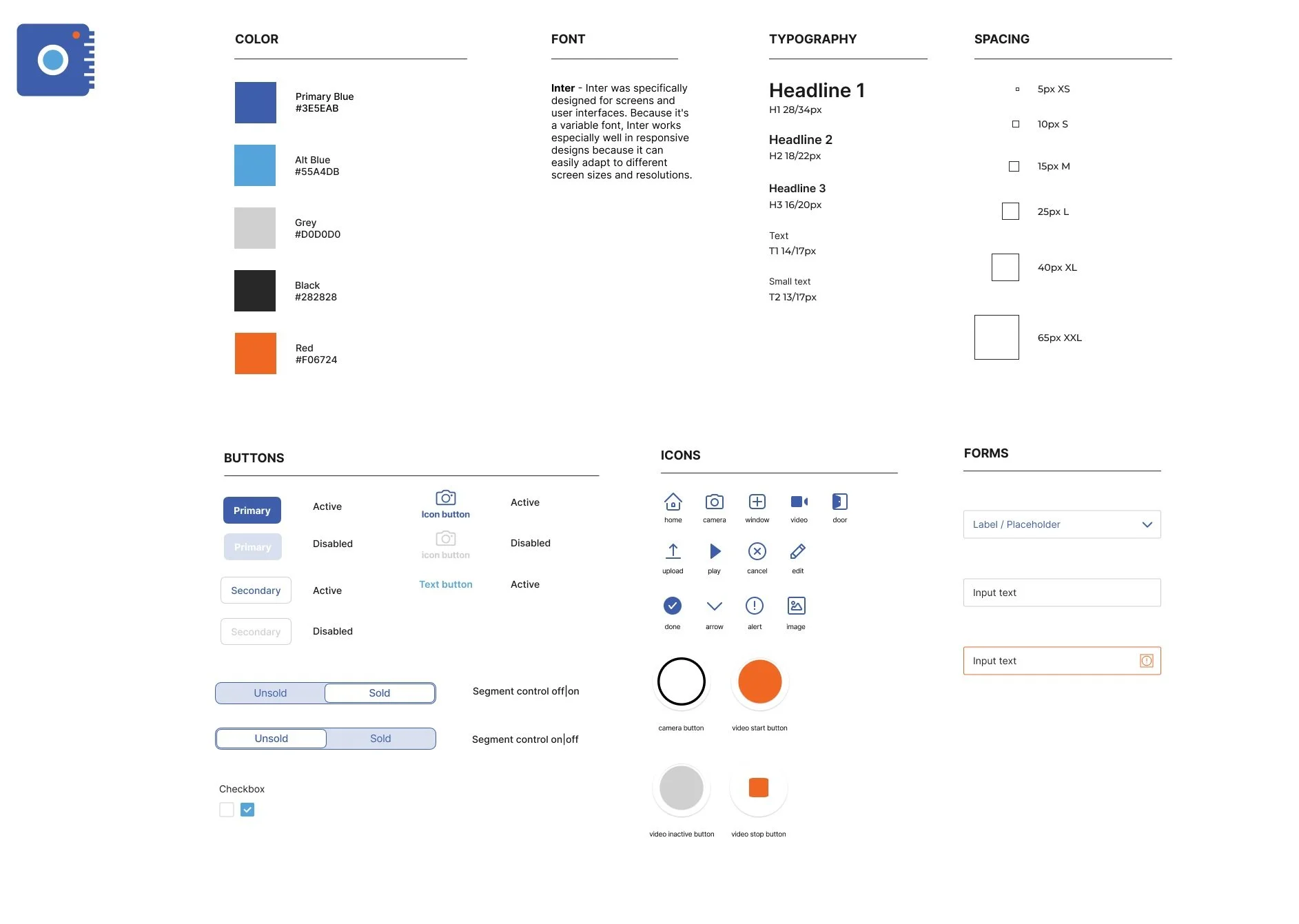
The Style Guide for the new design of the app
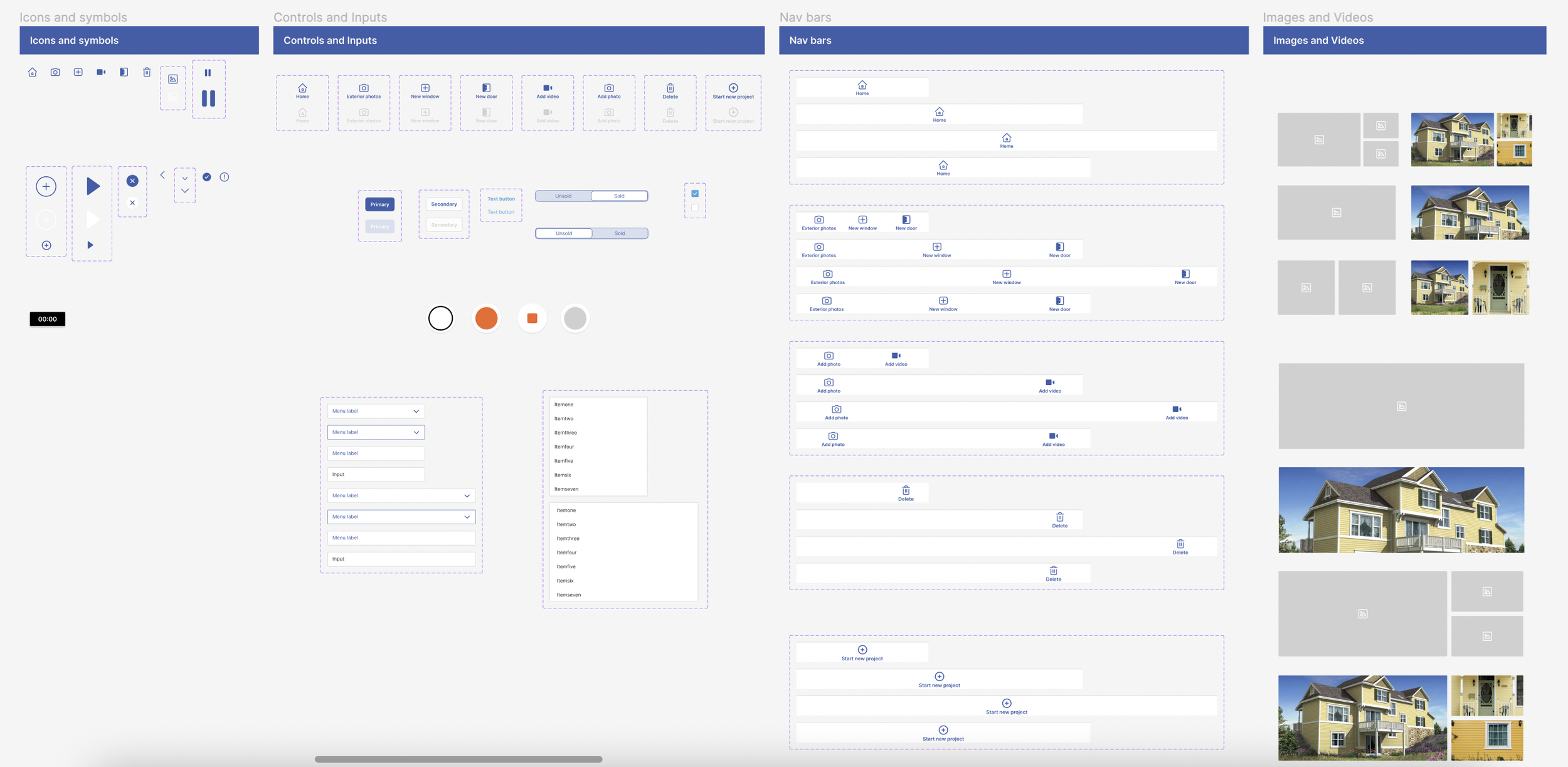
The Design System Library for the new design of the app